Requests, mechanic responses, private messages and work-order history use the same production platform. Canada and US locations appear in the same app. US online quotes and payments are not enabled yet.
Get the TrukN beta
One app supports customers and mechanics. Beta access is coordinated with our testing team.
This download requires GitHub access to the project. Download the ZIP, extract it, and install the APK on your Android phone. The download expires November 13, 2026.
Version 1.0.0 · build 23 was submitted to Apple on October 14, 2026. Apple processing is complete and this build is available to the invited internal testing group. Access requires a matching TestFlight invitation.
Public App Store and Google Play listings are not available yet. These beta apps connect to the live marketplace. Use real repair details for live requests; payment test cards belong only in the separate staging website.
Create the provider account and complete business verification on the web. The Android beta uses this same account and work-order history. iPhone release remains pending; customer requests and mechanic onboarding are available on the web.
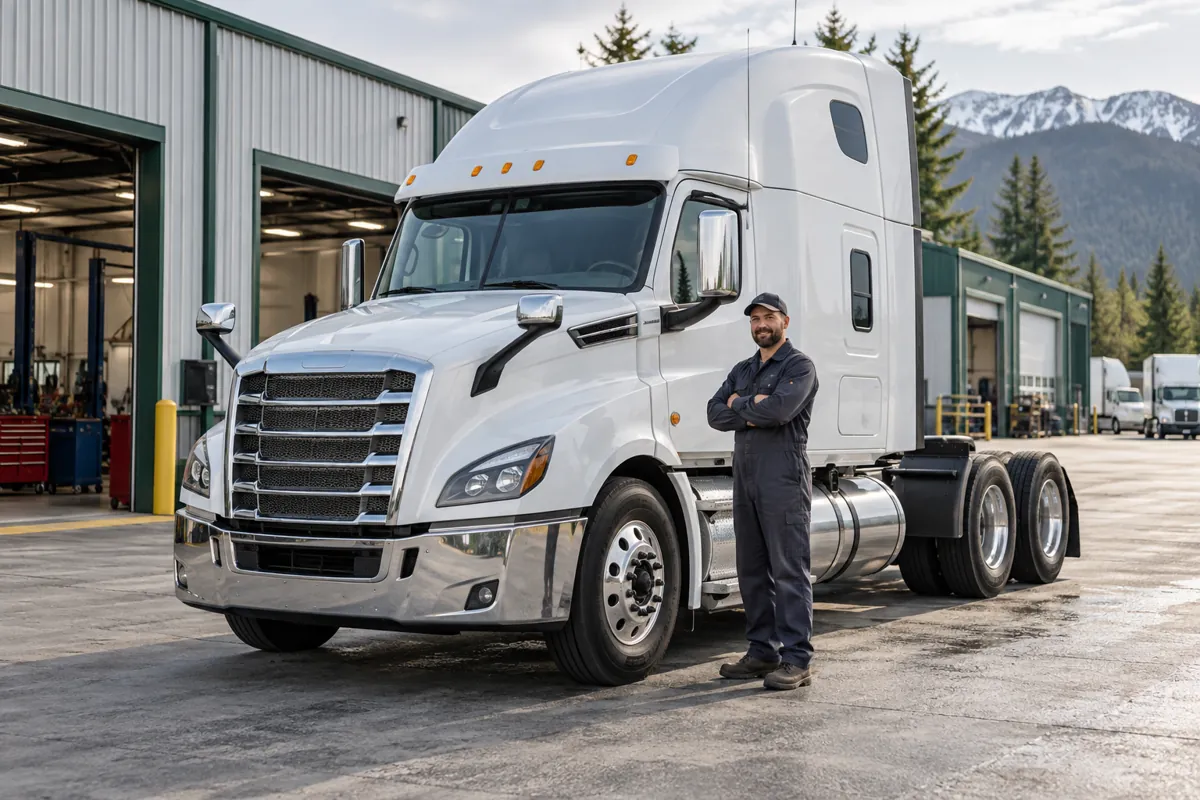
Illustrative image created with AI; not a specific provider or location.
Repair planning guide
Use the account for your part of the job.
Drivers and owners need the request, quote and repair record. Mechanics need their application, incoming work and job updates. Sign in with the account used to create the request or provider profile so the right work appears.
Before your first job
Customer checklist
Keep the account email accessible, enter accurate truck details and identify who can approve quotes. Save the private tracking link for a guest request. If the job is not in the account, check whether it was created as a guest or under a different email.
Mechanic checklist
Complete the provider application, respond to verification requests and keep services and availability current. An installed app does not bypass business approval. Review the work-order location and scope before accepting a request.
If an app installation is unavailable
Use the web sign-in and provider onboarding links on this page. Use the release information above to check which downloads are currently offered; a beta download and a public app-store listing are different distribution options.
 TrukN
TrukN